
You might wonder about the difference between LCD and TFT displays. LCD means Liquid Crystal Display, while TFT stands for Thin Film Transistor, which is a special type of LCD. Not all LCDs utilize TFT technology, but every TFT display is indeed an LCD. Understanding the difference between LCD and TFT helps you choose the best screen for your needs. For instance, TFT LCDs often produce brighter pictures and have a longer lifespan. However, they consume more power and have smaller viewing angles. The table below illustrates how TFT LCDs differ from other screen technologies:
|
Feature |
TFT LCDs |
Other Technologies (e.g., OLED) |
|---|---|---|
|
Image Quality |
Higher contrast, vibrant colors |
Superior contrast, true blacks |
|
Viewing Angles |
Limited |
Better viewing angles |
|
Power Consumption |
Higher |
Generally lower |
|
Cost |
More cost-effective |
Often more expensive |
|
Longevity |
Longer lifespan |
Prone to burn-in issues |
|
Brightness |
Generally brighter |
Varies |
Key Takeaways
-
TFT displays have thin film transistors for each pixel. This gives clearer pictures and quicker screen changes than regular LCDs. - Pick TFT LCDs if you want bright colors and wider viewing angles. They are great for games and watching videos. - Think about how much power the screen uses. TFT screens can use more power, which can make batteries run out faster in portable devices. - Think about what you need. If you do simple things, a regular LCD is enough. If you do harder tasks, TFT displays have more helpful features. - TFT LCDs usually last longer than OLED screens. This makes them a good choice for daily use.
LCD Display Basics
How LCD Display Works
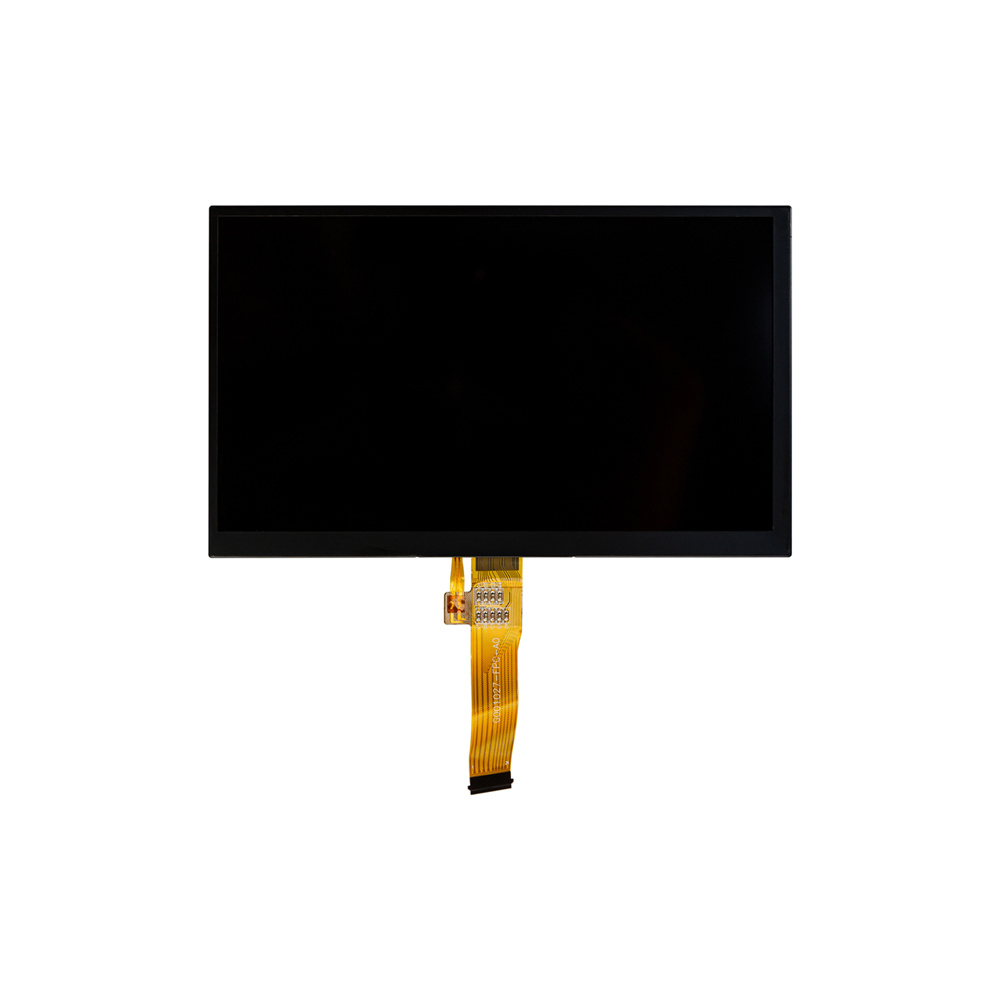
You see images on an lcd because of a clever design. The screen uses several layers that work together to show pictures and colors. Here is how a typical lcd works:
-
The backlight shines a bright, even light across the whole screen.
-
The light passes through a polarizer film that controls how much light enters the next layer.
-
The liquid crystal layer sits between two glass plates. When you apply electricity, the crystals twist or untwist. This action changes how much light can pass through.
-
A second polarizer film helps control the final amount of light.
-
Color filters add red, green, and blue to create full-color images.
When you use a tft lcd, you get even more control over each pixel. The tft lcd uses tiny transistors for every pixel. These transistors switch on and off quickly, so you see sharp images and smooth motion. The tft lcd design makes it perfect for devices like smartphones, tablets, and monitors.
Tip: The liquid crystal layer does not make its own light. It only controls how much light from the backlight reaches your eyes.
Types of LCD Display
You can find different types of lcd screens. Each type has special features that make it good for certain uses. Here is a table to help you compare the main types:
|
Type |
Characteristics |
Advantages |
|---|---|---|
|
TN |
Fast response times, limited viewing angles, and color accuracy |
Popular for gaming monitors |
|
IPS |
Superior color accuracy, wider viewing angles |
Ideal for graphic design and photo editing |
|
VA |
Better color accuracy and viewing angles than TN, slower response times |
Suitable for users needing a balance between performance and image quality |
-
TN screens work well for fast-moving games.
-
IPS screens show bright colors and look good from the side.
-
VA screens give you a mix of speed and color.
Many modern tft lcd screens use IPS or VA technology. You get better colors and wider viewing angles with these tft lcd types. If you want a screen for art or movies, a tft lcd with IPS might be your best choice. For gaming, a tft lcd with TN can give you quick action and less blur.
You now know how an lcd display works and what types you can choose. This knowledge helps you pick the right tft lcd for your needs.
TFT Display Technology
What Is a TFT LCD?
When you shop for screens, you might see tft lcd. This display uses thin film transistors to control each pixel. The tft layer works like a tiny switch for every pixel. With a tft lcd, you see bright colors and sharp pictures. This technology gives you better control over the image than older lcd screens.
A tft lcd works in four main steps. First, the screen gets a signal. Then, the tft layer sends voltage to the liquid crystals. These crystals twist and turn to let light through. Color filters mix the light to make the picture you see. This all happens very fast, so you get smooth motion and clear images.
You can look at this table to compare tft display technology with traditional lcd screens:
|
Feature |
TFT Display Technology |
Traditional LCD Technology |
|---|---|---|
|
Color Reproduction |
Superior color display |
Limited color range |
|
Clarity |
Outstanding clarity |
Average clarity |
|
Response Time |
Faster response time |
Slower response time |
|
Power Efficiency |
More power efficient |
Less power efficient |
|
Touch Functionality |
Capacitive and resistive touch |
Limited touch functionality |
|
Aspect Ratio Control |
Maintains aspect ratio |
Limited aspect ratio control |
|
Ghosting |
No ghosting |
Prone to ghosting |
|
Variety of Interfaces |
Supports many bus types |
Limited interface options |
You will find tft lcd screens in things like smartphones, tablets, and monitors. These displays give you a better view for games, videos, and photos.
Active Matrix vs. Passive Matrix
It is important to know about active matrix and passive matrix screens. A tft lcd uses an active-matrix display. This means each pixel has its own transistor. You get fast response times and clear pictures. The screen can show smooth video and sharp words.
Passive matrix screens use a grid of wires to control pixels. These screens are slower and have lower image quality. You might see blurring or ghosting when you watch fast scenes.
Here is a table to help you compare the two types:
|
Aspect |
Passive Matrix |
Active Matrix (TFT) |
|---|---|---|
|
Pixel Control |
Grid of row and column wires |
Each pixel has its own transistor |
|
Image Quality |
Lower contrast and sharpness |
Higher contrast, clearer images |
|
Response Time |
Slower, may blur |
Fast, good for video and motion |
|
Power Use |
Efficient for static images |
Higher, but supports rich content |
|
Complexity |
Simple design |
More complex circuitry |
|
Cost |
Lower cost |
More expensive |
|
Best Use Cases |
Basic, static displays |
High-res, interactive devices |
You will see that tft lcd screens with active matrix work best for things that need fast, clear pictures. You can enjoy games, movies, and touch features without lag or blur.
Tip: If you want a screen for reading or simple tasks, a passive matrix screen may be enough. For videos and smooth action, pick a tft lcd with active matrix.
Difference Between LCD and TFT Display
Refresh Rate and Image Quality
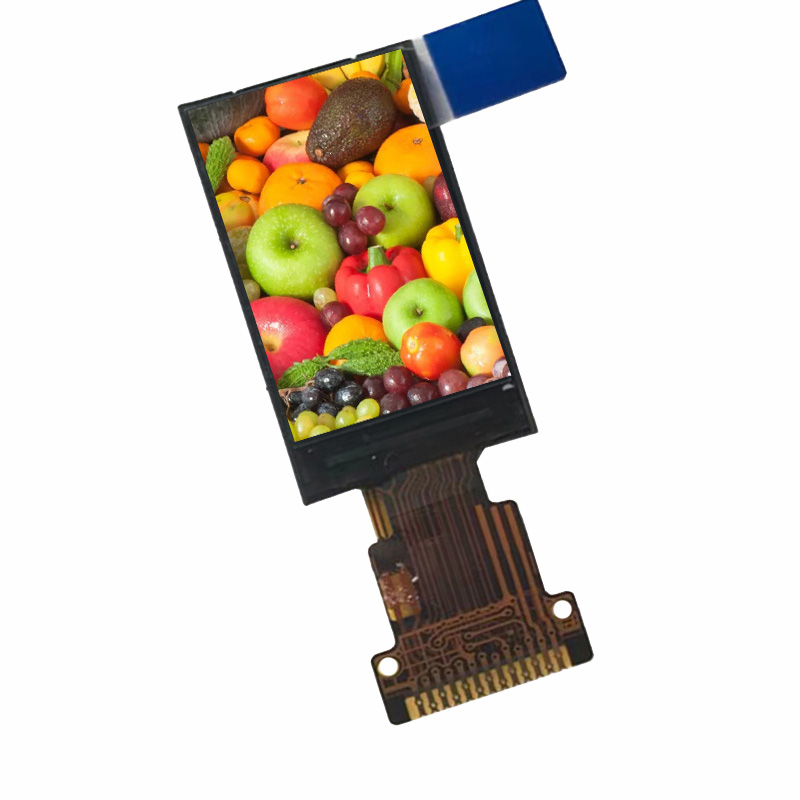
You can see a difference when you watch fast videos or play games. Regular lcd screens have lower refresh rates. This means pictures can look blurry or slow during action scenes. Tft lcd screens use active matrix technology. Each pixel has its own transistor. This design gives a higher refresh rate. Motion looks smooth and sharp. You see less ghosting and clearer details.
Here is a table that shows how refresh rates compare:
|
Type of Display |
Refresh Rate Characteristics |
|---|---|
|
Standard LCD |
Typically lower refresh rates, suitable for static or slow-moving content. |
|
TFT LCD |
Higher refresh rates due to individual pixel control, allowing for smoother motion and sharper images. |
Tft lcd screens also make image quality better. You get higher contrast ratios and better color contrast. This makes movies, games, and photos look more real. The difference between lcd and tft is easy to see when you want the best picture for fun or art.
Viewing Angles and Color
Viewing angles and color accuracy are important when you share your screen. Regular lcd screens, especially TN types, have narrow viewing angles. If you move to the side, colors can look faded or strange. Tft lcd screens, especially with IPS technology, have much wider viewing angles. You can see clear images and true colors from almost any spot.
Here is a quick comparison:
|
Technology |
Typical Viewing Angle |
|---|---|
|
TN (Twisted Nematic) |
Approximately 90 degrees, with significant color distortion at angles beyond this range. |
|
IPS (In-Plane Switching) |
Up to 178 degrees, with minimal color distortion across all angles. |
Tft displays use thin-film transistors to control each pixel. This gives you great color accuracy and brightness. Images look brighter and more real. This is important for art, photos, and watching videos with friends. The overall image quality gets better because tft technology controls each pixel well. You get higher contrast ratios and less color change.
-
Tft displays use thin-film transistor technology to make images and colors better.
-
They control each pixel, so colors look great.
-
The technology gives you better viewing angles and less color change.
You will notice a big difference between lcd and tft screens when you compare their color and viewing experience.
Power Consumption and Lifespan
Power use can help you choose between lcd and tft lcd. Tft screens use active matrix technology. Each pixel needs its own transistor, which uses more power. If you use a portable device, you may see shorter battery life with tft lcd screens. Regular lcd screens use less power, so they are better for saving energy.
Here is a table to help you compare:
|
Display Type |
Power Consumption Characteristics |
|---|---|
|
TFT |
Generally consumes more power due to active matrix technology, leading to reduced battery life in portable devices. |
|
Traditional LCD |
More energy-efficient, making them preferable for applications where power consumption is critical. |
When you look at lifespan, tft lcd screens last longer than many other types. Makers say tft-lcd screens can last from 50,000 to over 100,000 hours. This makes them a good choice for things you use every day. If you compare tft lcd to oled, tft lcd lasts longer and does not have burn-in problems.
|
Display Type |
Typical Lifespan (hours) |
|---|---|
|
TFT-LCD |
50,000 to over 100,000 |
|
OLED |
10,000 to 50,000 |
You can see that lcd and tft lcd are different in power use and how long they last.
Cost and Availability
Cost and availability also show how lcd and tft lcd are different. Tft lcd screens cost more to make because they use more parts and better technology. But now, they are common in many devices, so prices are lower. You will find tft lcd screens in phones, tablets, monitors, and car displays.
Regular lcd screens are cheaper and easier to make. You may see them in simple calculators, clocks, or old devices. If you need a screen for simple things, a regular lcd can save you money.
When you compare tft lcd and oled, tft lcd screens usually cost less. Oled screens have deeper blacks and better contrast, but they cost more and do not last as long. Comparing tft lcd and led is also important. Led screens use light-emitting diodes for backlighting. Tft lcd uses liquid crystals and transistors. Both have good points, but tft lcd often gives better pictures and lasts longer.
Note: If you want a screen with great quality, long life, and good value, tft lcd is a strong choice. For basic needs, a regular lcd may be enough.
Now you know the main difference between lcd and tft lcd. You can use this to pick the right screen for you, whether you care most about picture quality, power use, or price.
LCD TFT Advantages and Disadvantages
Pros and Cons of LCD Display
You see lcd screens in many places. They are in TVs, monitors, and cameras. People like lcd because it has many good points.
Pros of lcd display:
-
Lcd screens cost less money than OLED or other new displays.
-
Lcd uses less energy, so it is good for laptops and phones.
-
Lcd screens are light, so they fit in tablets and game consoles.
-
Lcd lasts a long time, longer than some old screens.
-
You find lcd in lots of devices, like TVs and cameras.
Cons of lcd display:
-
Lcd has small viewing angles. Colors can look strange from the side.
-
Lcd does not have as much contrast as newer screens.
-
Lcd can be slow to change pictures, so fast scenes may blur.
Tip: If you want a cheap and energy-saving screen for daily use, lcd is a smart pick.
Pros and Cons of TFT LCD
Tft lcd gives you better pictures and works faster. It uses thin film transistors to control each pixel.
|
Advantages of tft lcd |
Description |
|---|---|
|
High Image Quality |
Pictures look sharp and colors are more true. |
|
Fast Response Time |
Videos and games move smoothly with less blur. |
|
Wide Viewing Angles |
You can see the screen well from many sides. |
|
Compact Design |
Devices are lighter and thinner with tft lcd. |
|
Low Heat Emission |
The screen does not get very hot after long use. |
|
Power Efficiency |
Tft lcd saves energy, especially with LED lights. |
Tft lcd also shows colors well and has high resolution. This makes it great for art, games, and movies.
But tft lcd has some problems too:
|
Drawback |
Description |
|---|---|
|
Higher Cost |
Tft lcd costs more than basic lcd screens. |
|
Narrow Viewing Angles |
Colors can change if you look from sharp angles. |
|
Glare in Sunlight |
It is hard to see the screen outside in bright sun. |
|
Backlight Dependence |
Tft lcd needs backlighting, which uses more power. |
|
Lower Color Saturation |
Colors are not as bright as IPS or AMOLED screens. |
Note: Tft lcd is best when you want great pictures and speed. For simple jobs, a basic lcd is enough.
Choosing the Right Display
Usage Scenarios for LCD TFT
You see different displays in many devices around you. The type of screen you choose depends on what you want to do. If you play games or watch videos, you want smooth motion and bright colors. A tft lcd works best for these tasks. It gives you fast refresh rates and sharp images. Many smartphones, laptops, and gaming monitors use tft lcd screens because they show action clearly and make colors pop.
If you use a device for simple tasks, you may not need advanced features. Basic lcd screens work well in calculators, digital watches, and handheld games. These screens use less power and cost less.
Here is a table to help you see where each display type is common:
|
Display Type |
Common Devices/Industries |
|---|---|
|
TFT |
Smartphones, Laptops, Gaming monitors, Modern TVs |
|
LCD |
Calculators, Digital watches, Basic handheld games |
You should also think about where you use your device. If you use it outside, some tft lcd screens have special coatings that help you see the screen in sunlight. For gaming, tft lcd gives you a better experience because it reacts quickly and shows smooth motion.
-
tft lcd is great for gaming and outdoor use with special coatings.
-
lcd is good for simple, low-power devices.
Factors to Consider
When you pick a display, you need to look at several important factors. The right choice helps your device work better and last longer.
|
Consideration |
Why it matters |
|---|---|
|
Display size and resolution |
The screen must fit your device and show clear images. |
|
Viewing angle technology |
IPS technology in tft lcd helps you see the screen from different positions. |
|
Brightness and contrast |
High brightness and contrast help you see the screen in sunlight or bright rooms. |
|
Touch interface |
Choose the right touch type for gloves, precision, or tough environments. |
|
Operating temperature range |
The display must work well in hot or cold places. |
|
Longevity and availability |
Pick a display that lasts long and is easy to replace if needed. |
You should also think about the environment. High temperatures can make screens dim or slow. Cold can make the liquid crystals stiff. Humidity can damage the screen. Sealed designs and special glass can protect your display from water and dust.
Tip: Always check the temperature and humidity range for your display. This keeps your device safe and working well.
By thinking about your needs and the environment, you can choose the best display for your project.
Now you know the main differences between LCD and TFT displays. TFT screens have a tiny transistor for each pixel. This makes them react faster and show better colors. They also have higher contrast than regular LCDs. Standard LCDs do not control each pixel by itself. They are better for simple jobs like clocks or calculators. Look at this table to compare:
|
Feature |
TFT Display |
Standard LCD |
|---|---|---|
|
Pixel Control |
Individual |
Shared |
|
Response Time |
Fast |
Slow |
|
Best For |
Gaming, graphics |
Simple displays |
Think about what you need before picking a screen. If you want to learn more, check out guides about TFT, IPS, and LCD screens.
FAQ
What is the main difference between LCD and TFT displays?
You see the main difference in pixel control. TFT displays use a transistor for each pixel. This gives you sharper images and faster response times than standard LCDs.
Can you use TFT LCDs outdoors?
You can use TFT LCDs outdoors, but sunlight can make the screen hard to see. Some TFT screens have special coatings to improve visibility in bright light.
Do TFT displays last longer than OLED screens?
Yes, you get a longer lifespan with TFT displays. OLED screens can suffer from burn-in and usually last fewer hours than TFT LCDs.
Are TFT screens good for gaming?
You get smooth motion and clear images with TFT screens. Their fast refresh rates and quick response times make them a popular choice for gaming monitors.
 Network Supported